No subscriptions
Nothing to sign up for and nothing billed monthly.
Privacy · Quality · Freedom · No paywalls
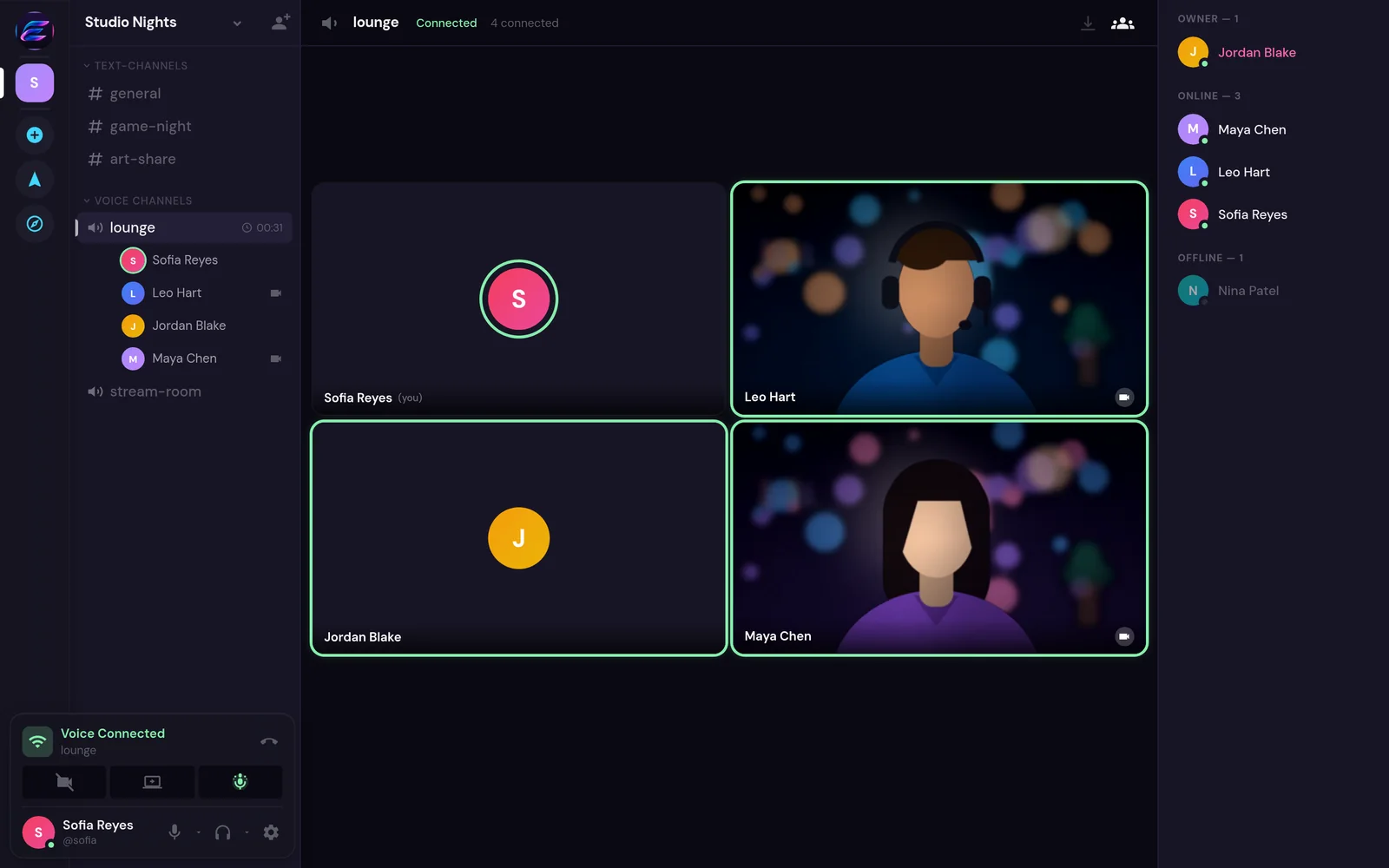
Private conversations, stunning video calls, and seamless screen sharing. Everything you need to stay connected, without subscriptions, premium tiers, or locked features.
Desktop app for Windows 10 and 11. Or open Emix right in your browser.
No ads, no tracking, no selling your activity.
Video and screen sharing up to 4K on capable setups.
Your spaces, your settings, your way to connect.
Every available feature, free. No premium tier.
Privacy first
Stay connected without unnecessary tracking or advertising. Emix is designed to put your conversations first, not turn your activity into a product.
High-quality video
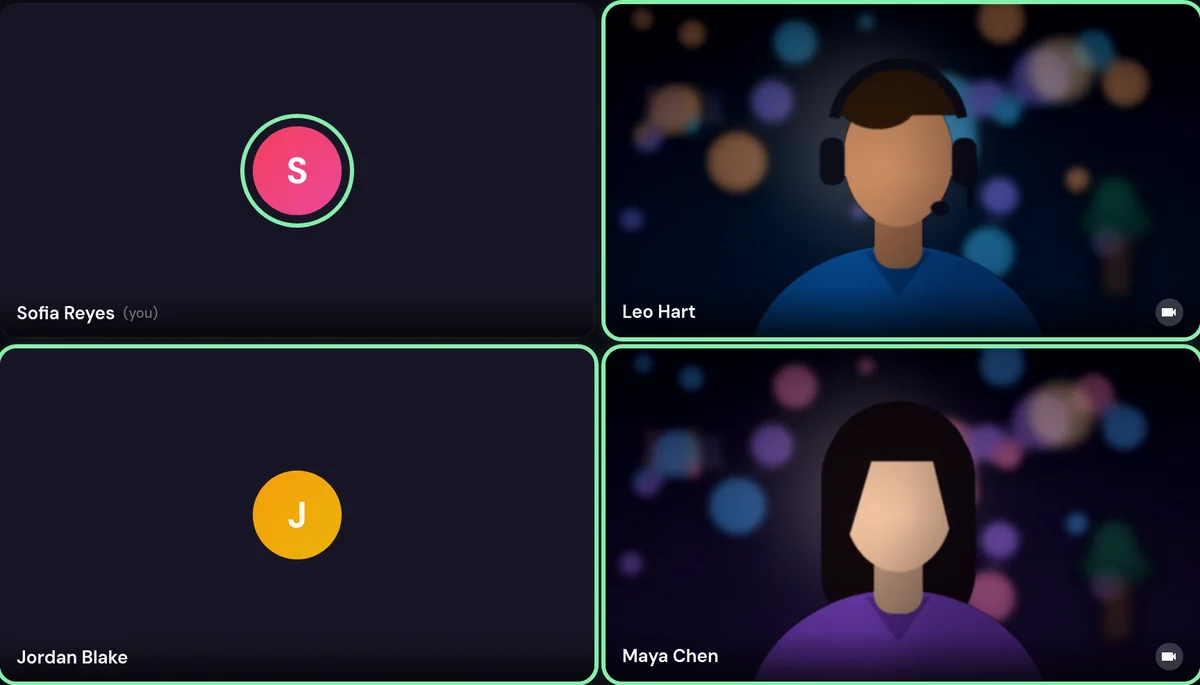
Experience crisp, high-quality video calls with advanced resolution settings and support for up to 4K on compatible devices and connections.
Screen sharing
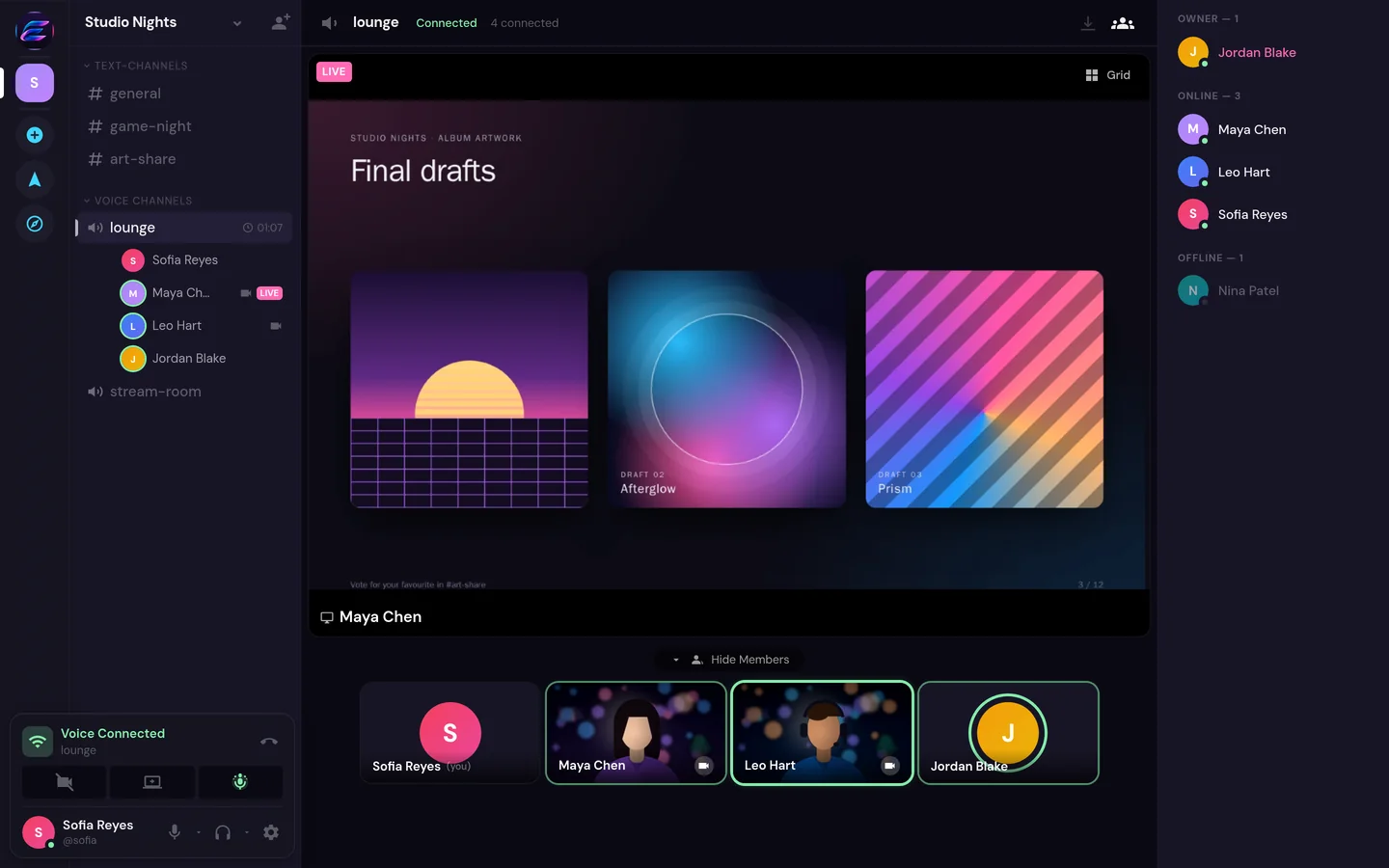
From presentations to gaming, share your screen with clarity and control. Choose the quality settings that work best for your setup.
No paywalls
No subscriptions. No paid upgrades. No artificial feature locks. Emix gives you access to its available communication features without charging you to unlock them.
Nothing to sign up for and nothing billed monthly.
High-resolution video, screen sharing and file sharing are never held back for a paid plan.
Everyone gets the same Emix, with the same features.
Freedom and control
Enjoy flexible communication settings, customizable spaces, and control over how you connect.
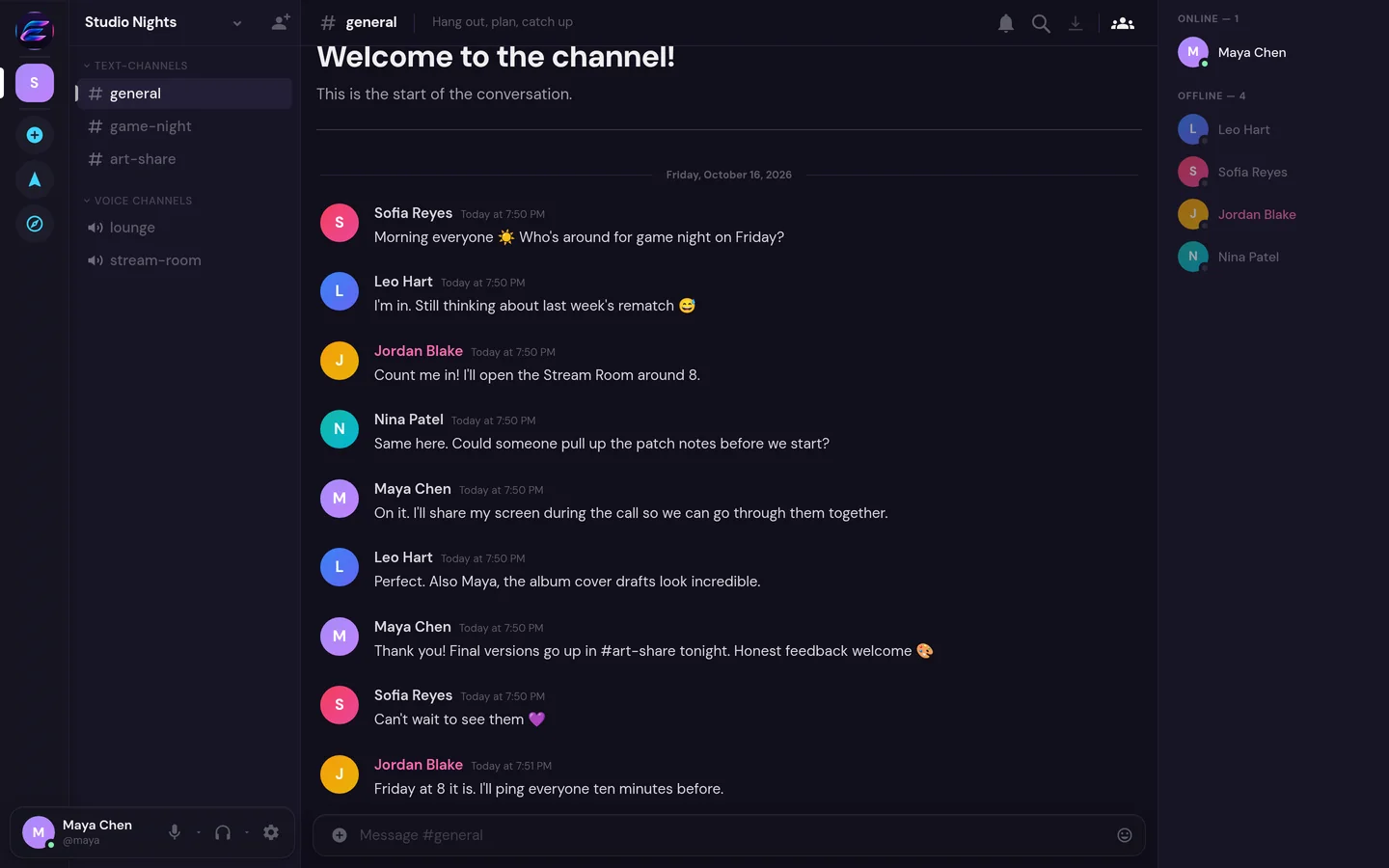
Build spaces with text and voice channels, categories, roles and permissions.
Direct messages, group chats, replies, reactions and file sharing, all searchable.
Push-to-talk or voice activity, with noise suppression and echo cancellation.
Choose what reaches you, per space and per channel.
Use the Windows app, or open Emix in any modern browser.
Set your name, avatar, status and bio, and choose who can find you.
Stay connected with desktop notifications, push-to-talk and automatic updates. Windows 10 and 11, 64-bit.
Windows may ask you to confirm the first install ("More info", then "Run anyway").